
How to Login Tinkercad 2026
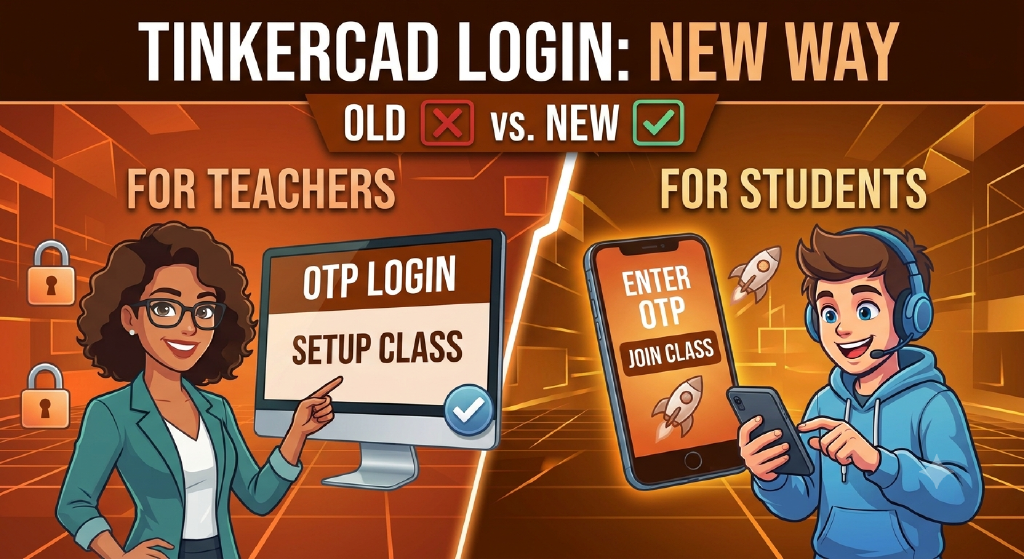
Update 27 Aug 2026: We have learned that tinkercad has reverted back the login system to older one,
Tinkercad recently updated its security policies and made OTP (One-Time Password) verification mandatory, which means our older login methods will no longer work.
To ensure everyone can get logged in and ready for their STEM and robotics projects without any hiccups, we’ve recorded two quick video guides detailing the exact steps for the new process.
What’s in the videos below:
1. How to setup Tinkercad Classroom (For Teachers)
A complete walkthrough on logging in with a personal email, switching to a teacher role, creating a class, locating the class code, and adding students to generate their login codes.
Pro Tip: Instead of assigning login codes using individual student names, you can use workstation labels (e.g., Computer-1, Computer-2..). This allows the login credentials to remain the same across different class batches, saving you from setting up new student profiles every time.
2. How to join a Tinkercad classroom (for students)
A simple, step-by-step guide showing exactly how to log in and join your assigned class.